AI-POWERED DAW ASSISTANT
Fix the problem.
Get back in the flow.
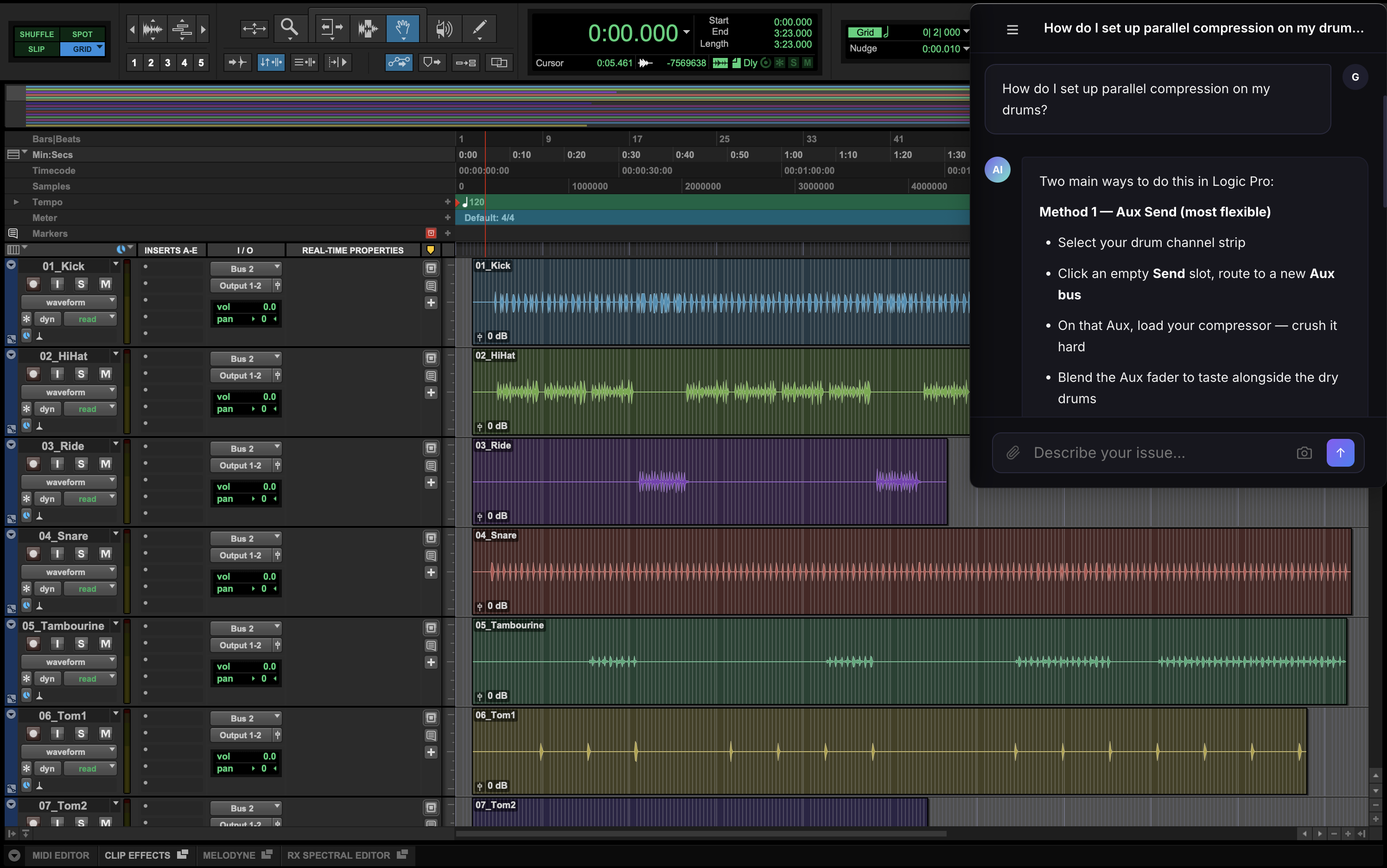
AI DAW assistant that knows your exact setup and remembers your history. Troubleshooting, routing, mixing — answered in seconds. No more Googling.
// HOW IT WORKS
Set up once. Ask anything.
01
Tell DAWFlow what you're working with
DAW, OS, interface, plugins, and anything else that matters. Update it whenever your setup changes.
02
Open from your menu bar or browser
Desktop app sits next to your DAW. Web works anywhere.
03
Ask anything
Troubleshooting, routing, mixing, workflow — answers built for your studio, in seconds.
// WHY DAWFLOW
Built for producers.
◈
Knows your setup
Every answer knows your setup. No re-explaining what you're running.
⊡
Capture your screen
Show DAWFlow what you're looking at instead of describing it.
↺
Chat history
Every conversation saved. Pick up where you left off.
★
Save the solution
Turn a useful chat into a step-by-step you can come back to.
↗
Real-time web search
Pulls current info from forums, docs, and recent reports — not just training data.
⊕
Desktop and web
Menu bar app for Mac. Browser version for anywhere else.
// SUPPORTED DAWS
Whatever you produce on.
DAWFlow knows the quirks and common issues across every major DAW.
Ableton Live
Logic Pro
FL Studio
Pro Tools
Cubase
Studio One
Reaper
Bitwig
GarageBand
+ more
// GET STARTED
Try it free.
Setup takes two minutes. No credit card required.
Get started free